Table 7K38
+2:00late
- 1×Kathiyawadi thali
- 1×Dal khichdi with kadhi
CountStand puts the till, the kitchen screen, stock and GST in one system, with seven agents working through the day on a timetable. They report. You decide.
By invitation · 30 days free for one outlet, no card · A reply within two working days
The whole system · a sample outlet
The till, the tables, the kitchen screen and the waiters’ phones at the counter; stock, recipes and the agents’ brief in Management.
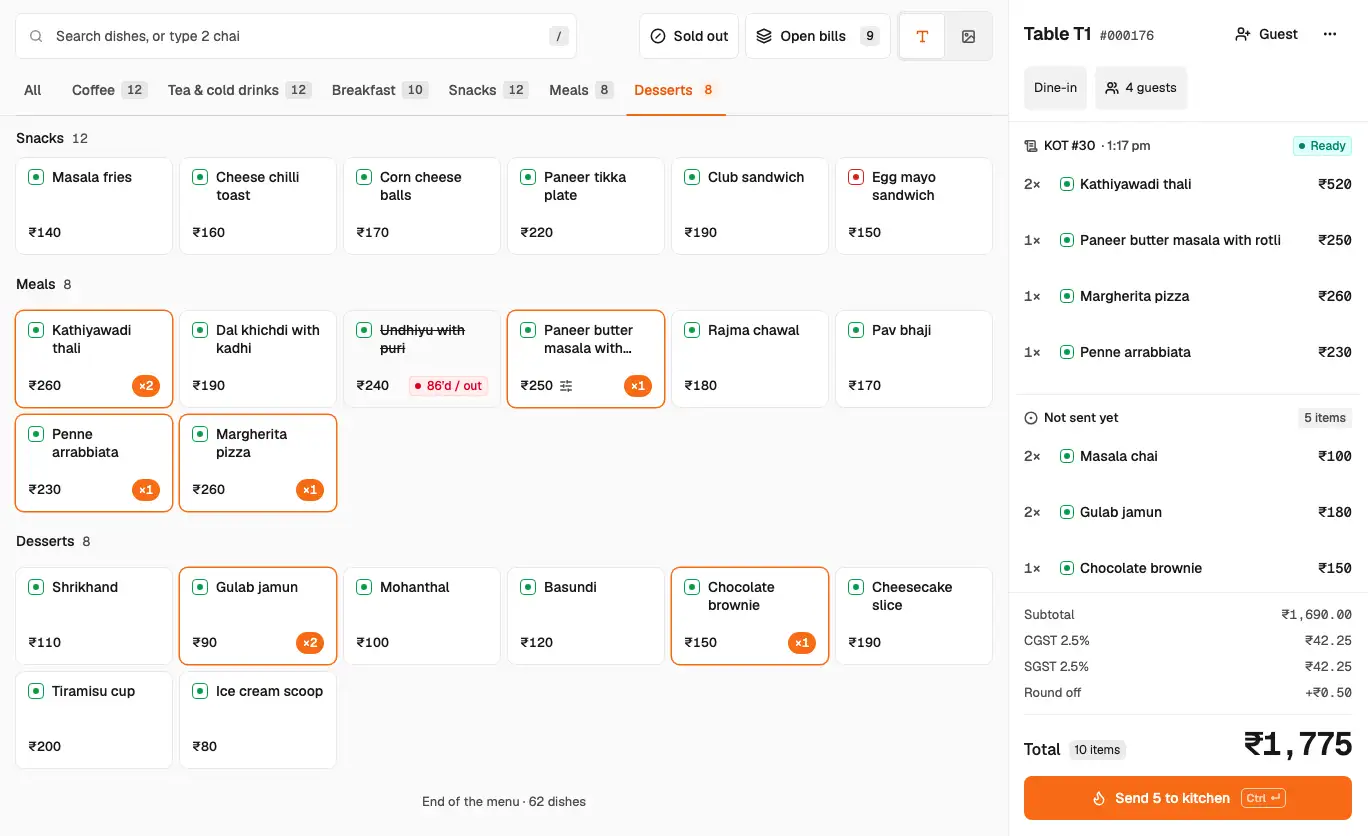
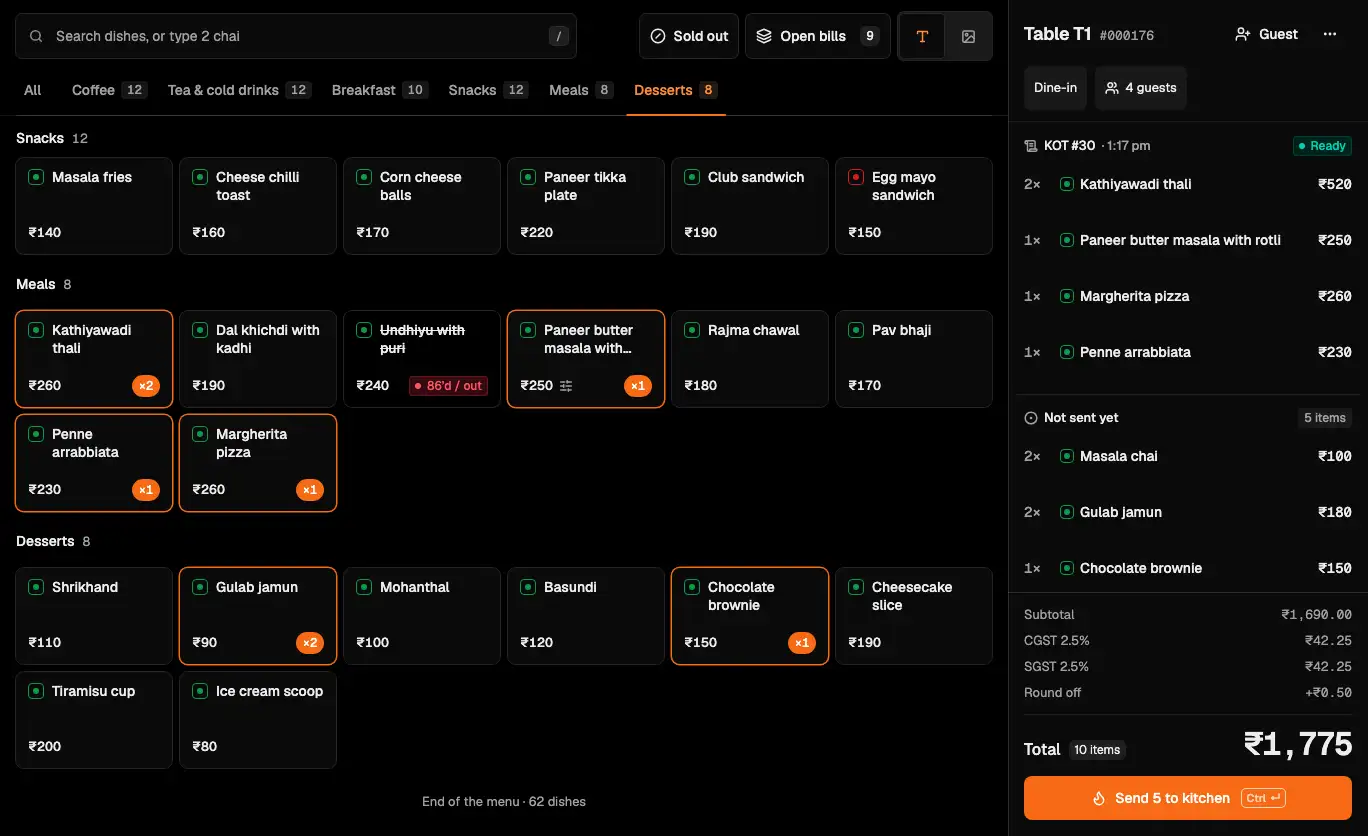
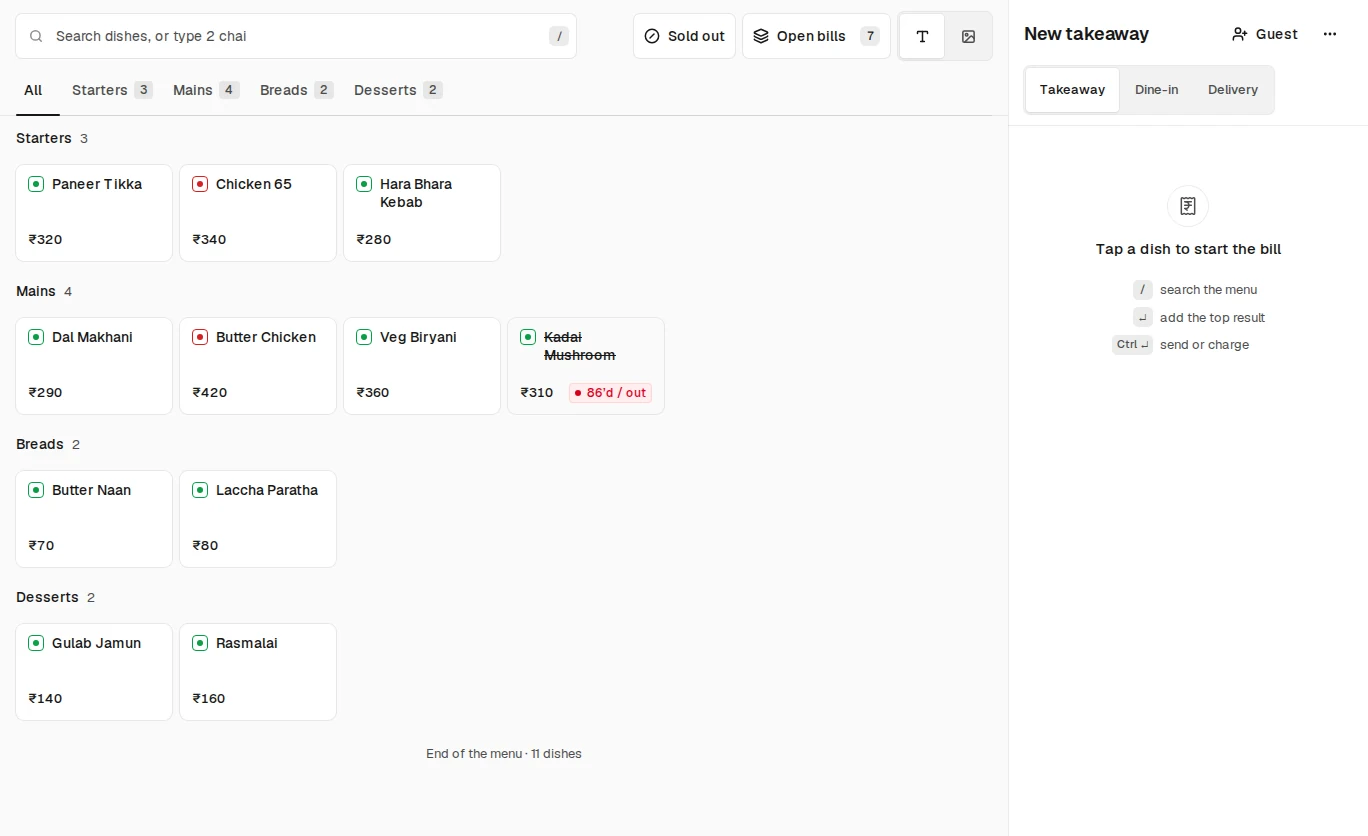
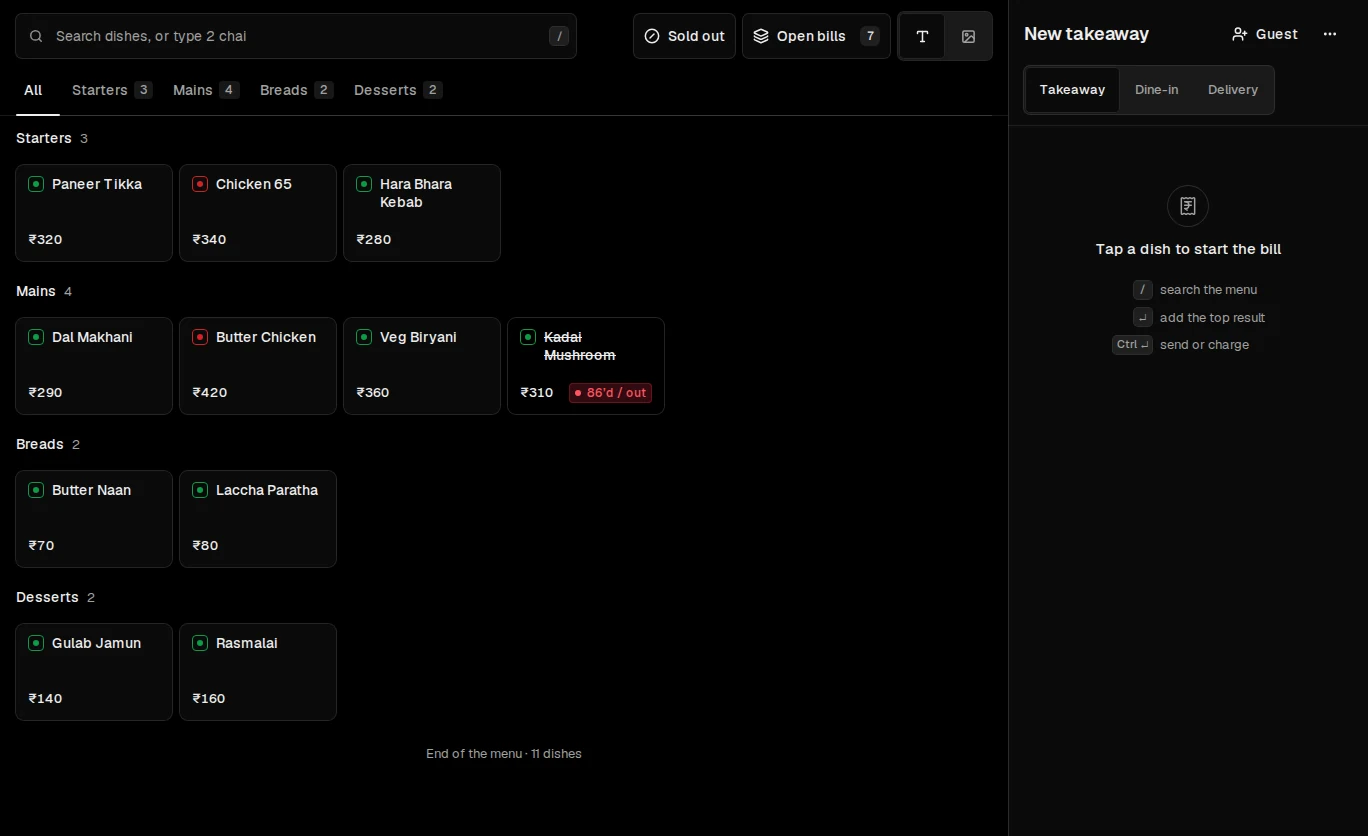
The till on a sample outlet: menu tiles, the cart, GST and Charge.
Press Charge and the bill becomes the payment, in the same place.
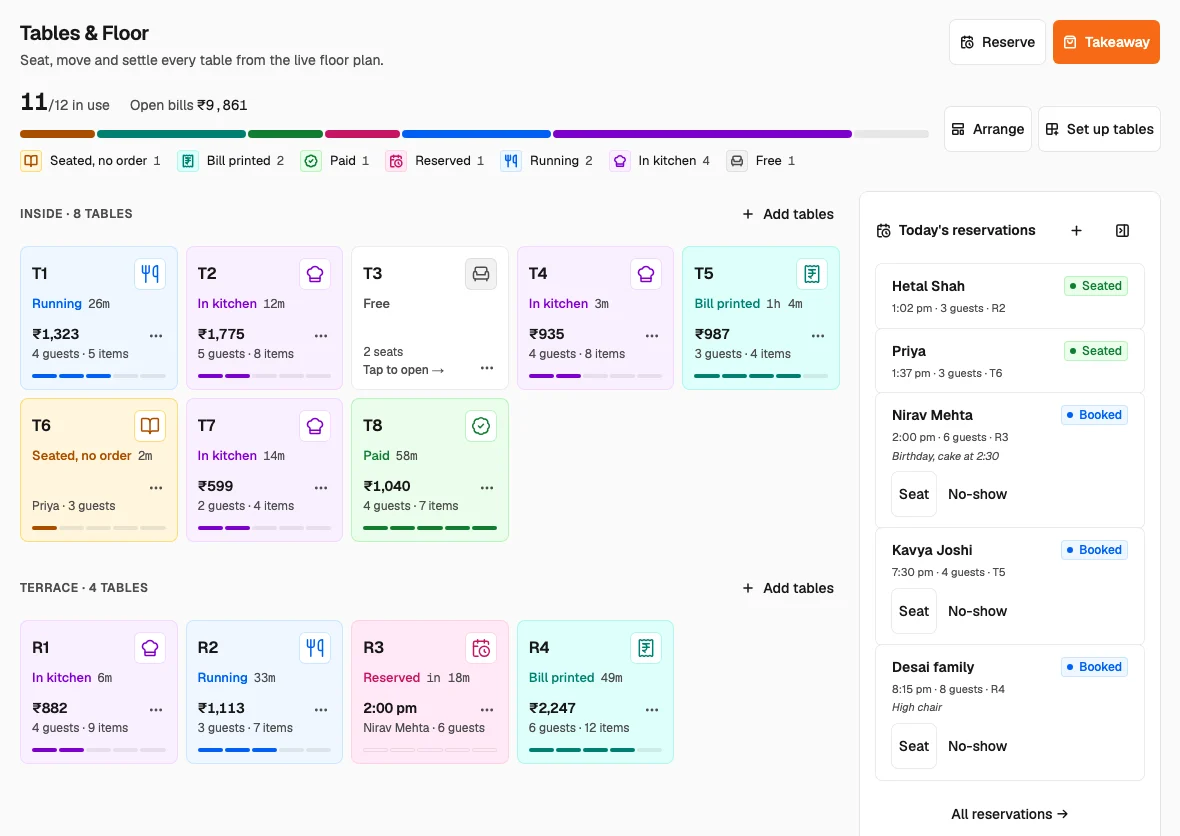
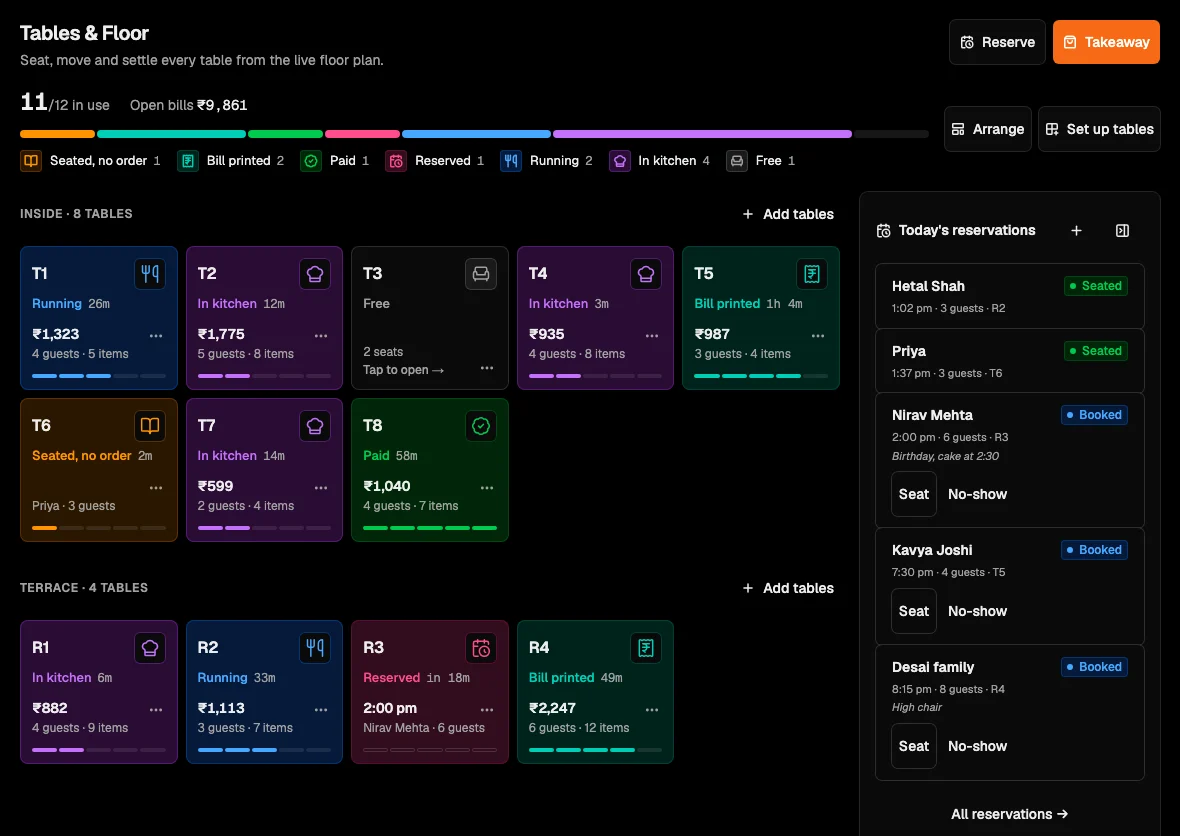
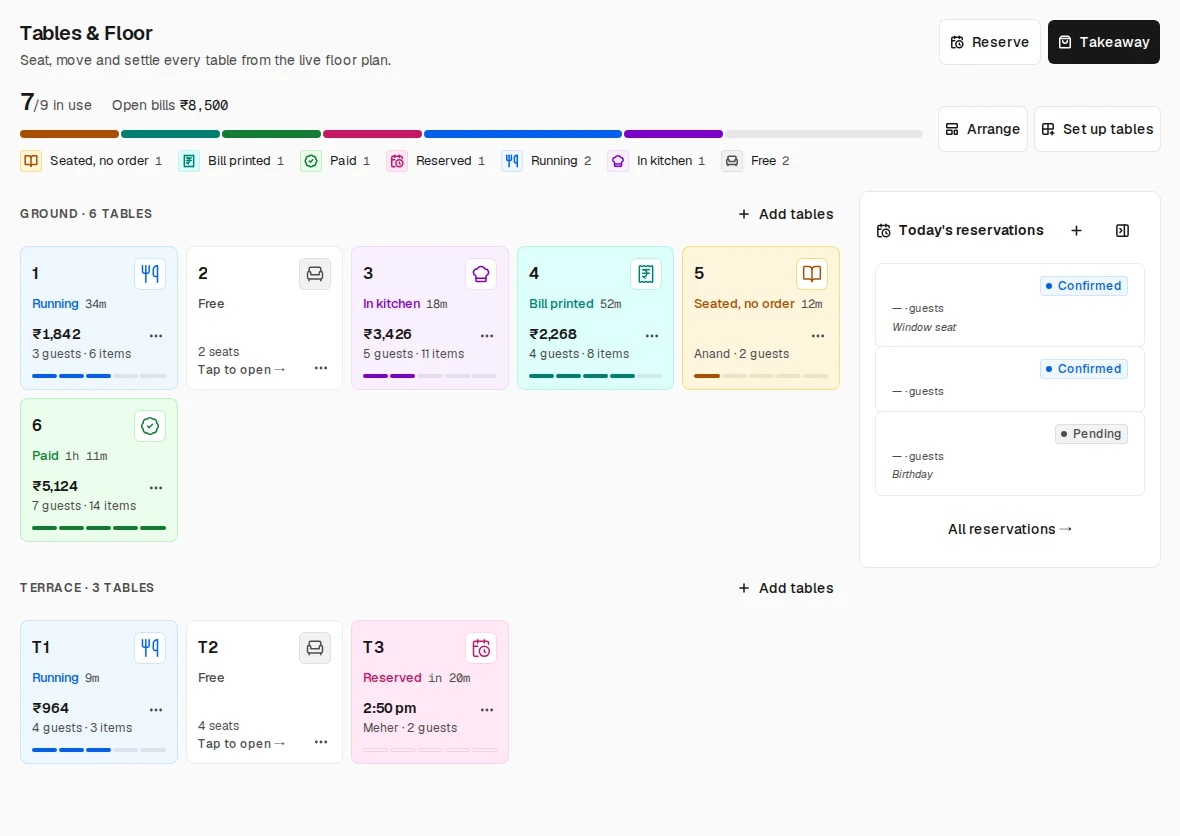
Go to room 04Tables & Floor on a sample outlet: zones, tables seated or billing, one press to open a table.
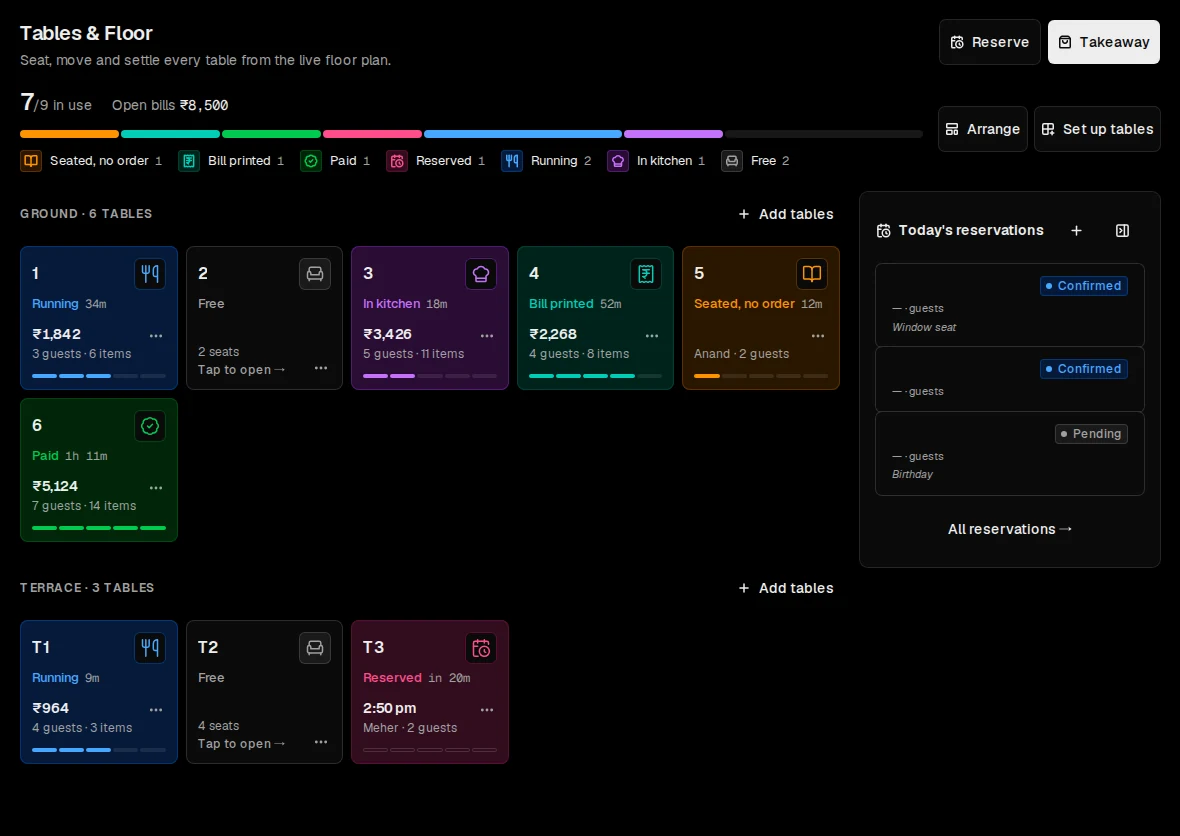
Tables & Floor, the home screen for service.
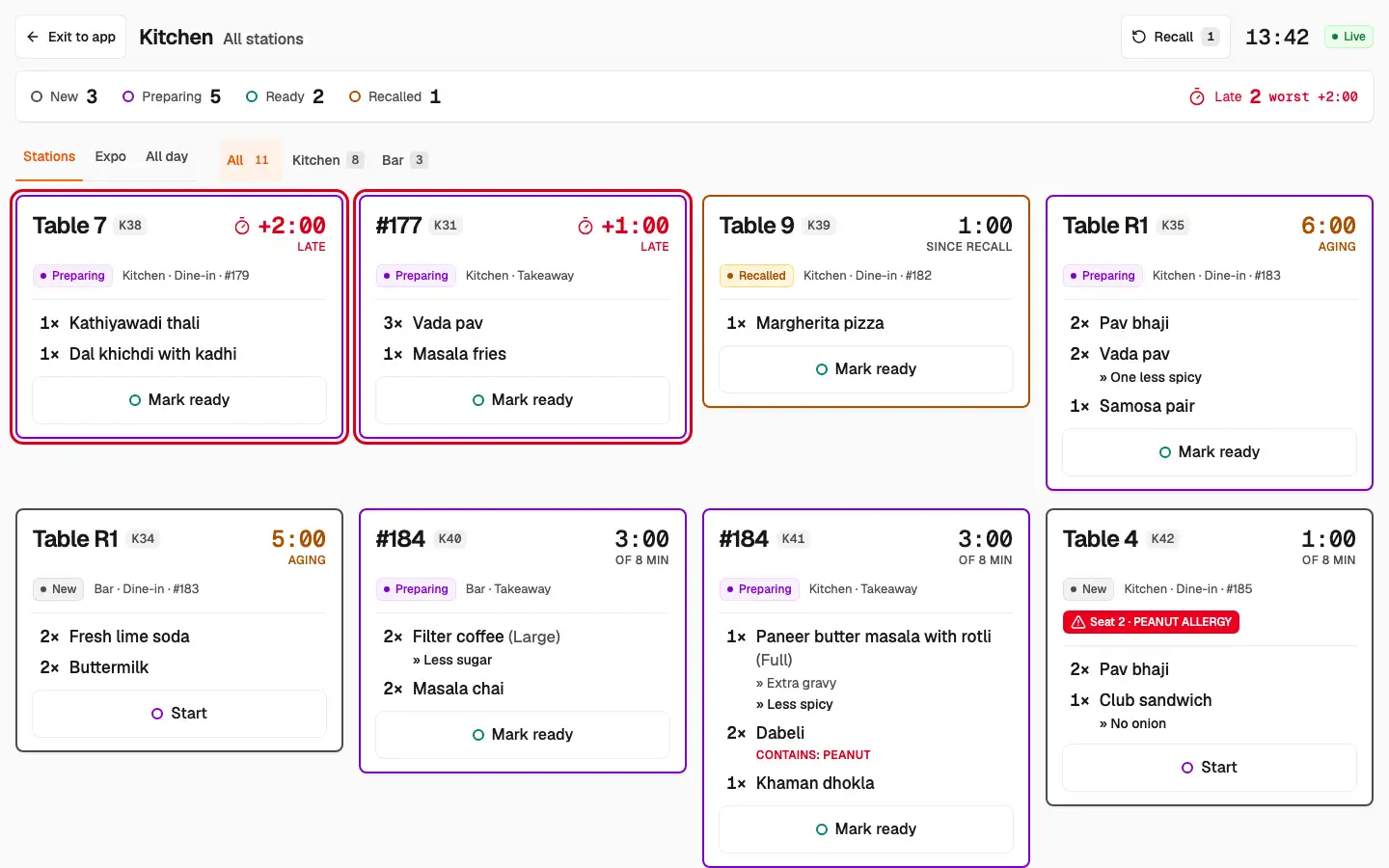
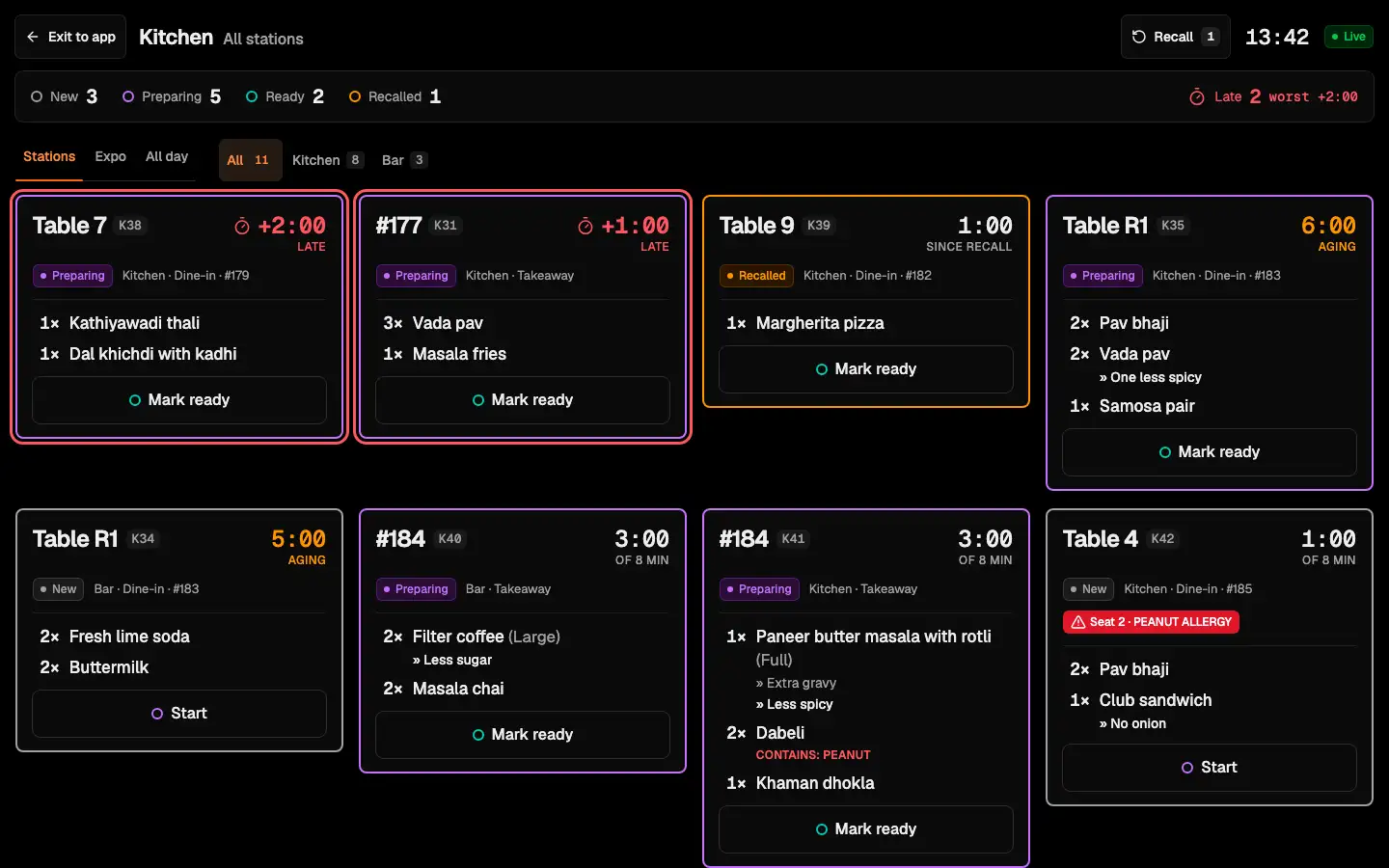
Go to room 03The kitchen screen on a sample outlet: tickets by station, on their amber and red clocks.
One order, fired once, splits by station: the food to the kitchen, the coffee and chai to the bar.
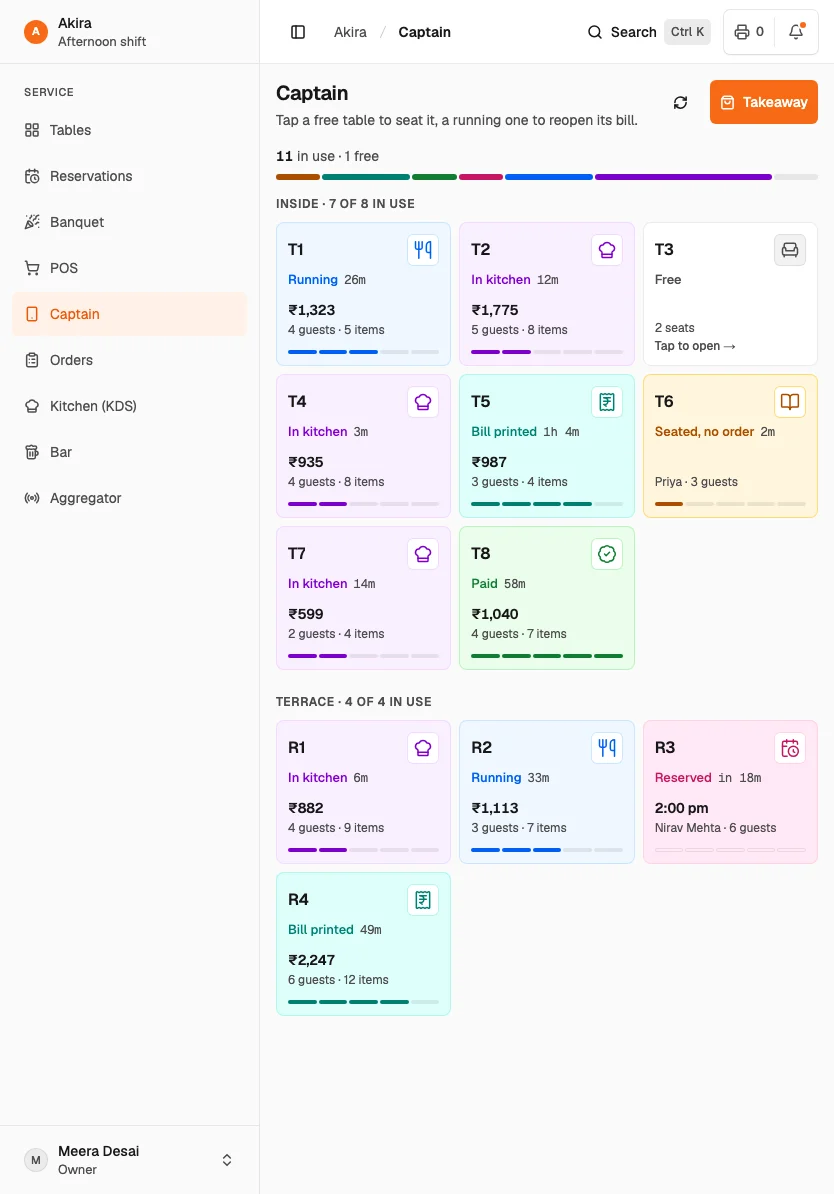
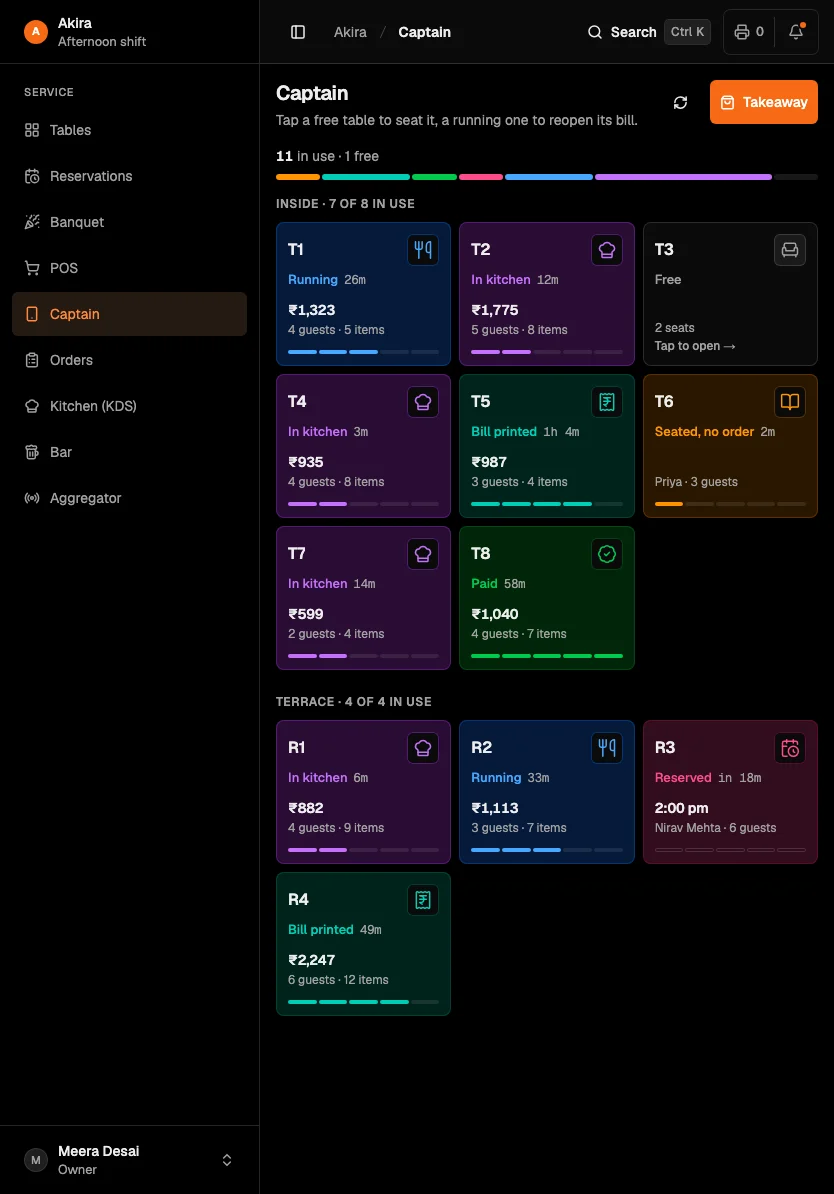
Go to room 06Captain on a tablet at a sample outlet: the floor, ordering at the table.
Captain is the floor on a phone or a tablet, made for walking the room.
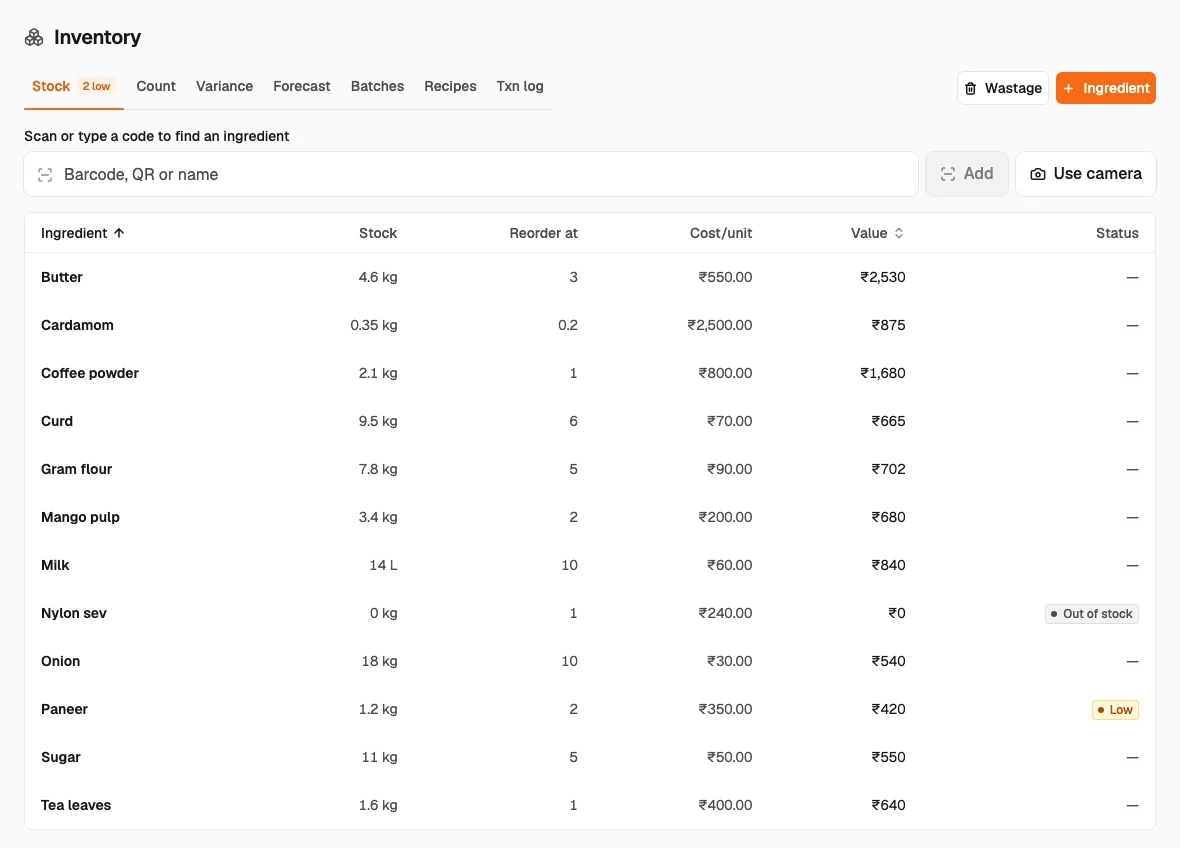
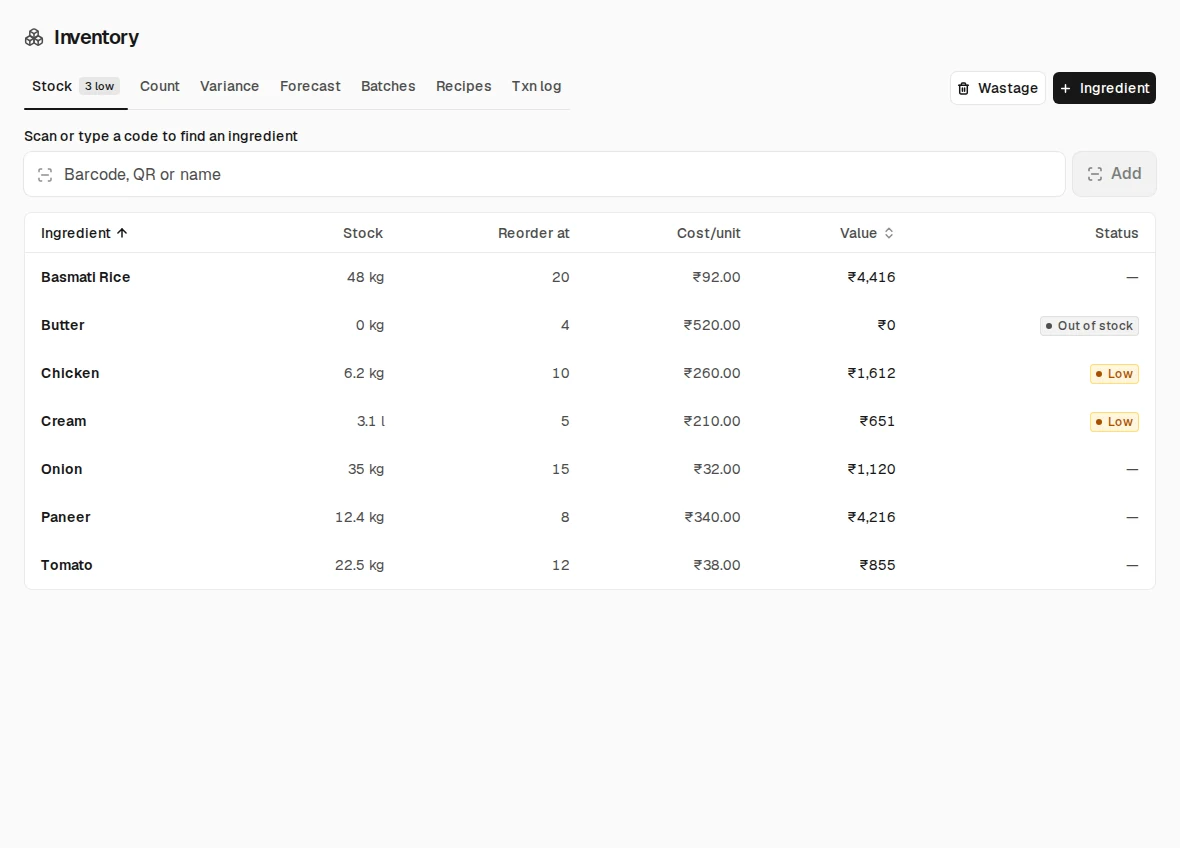
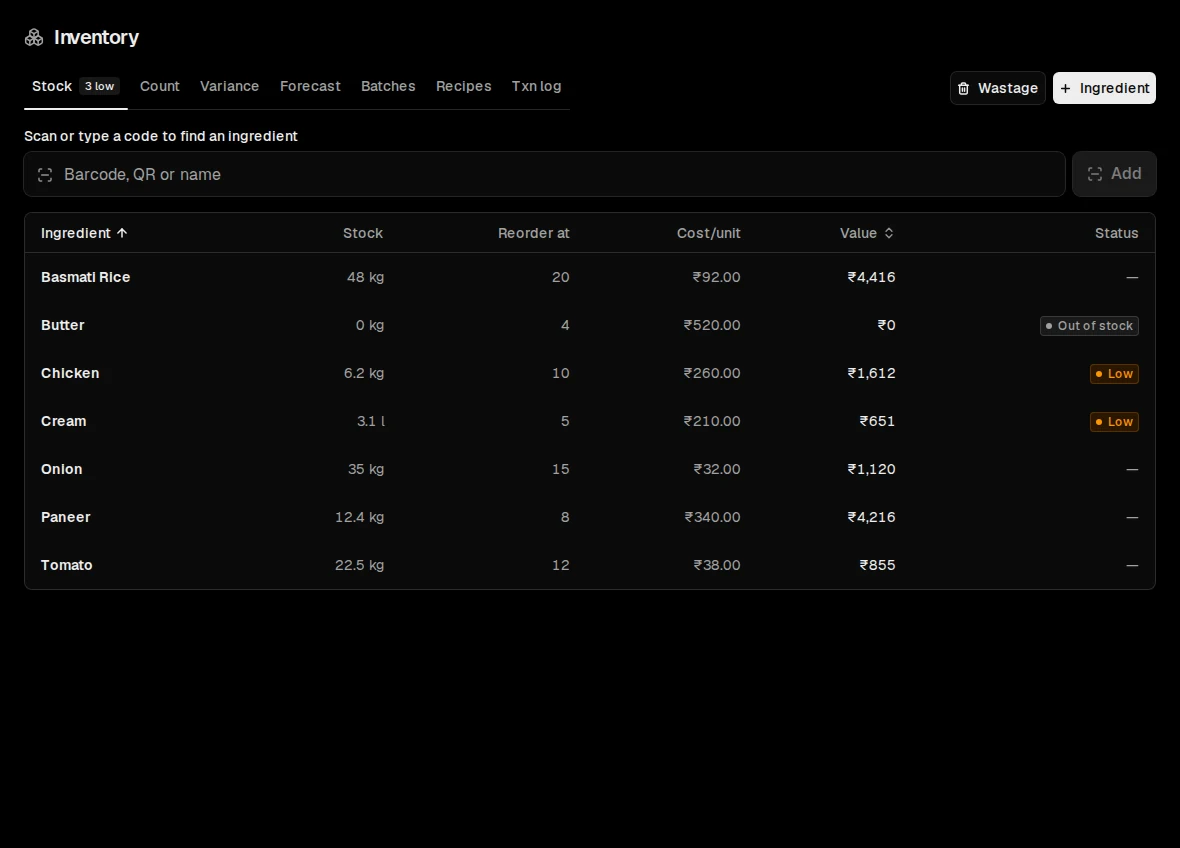
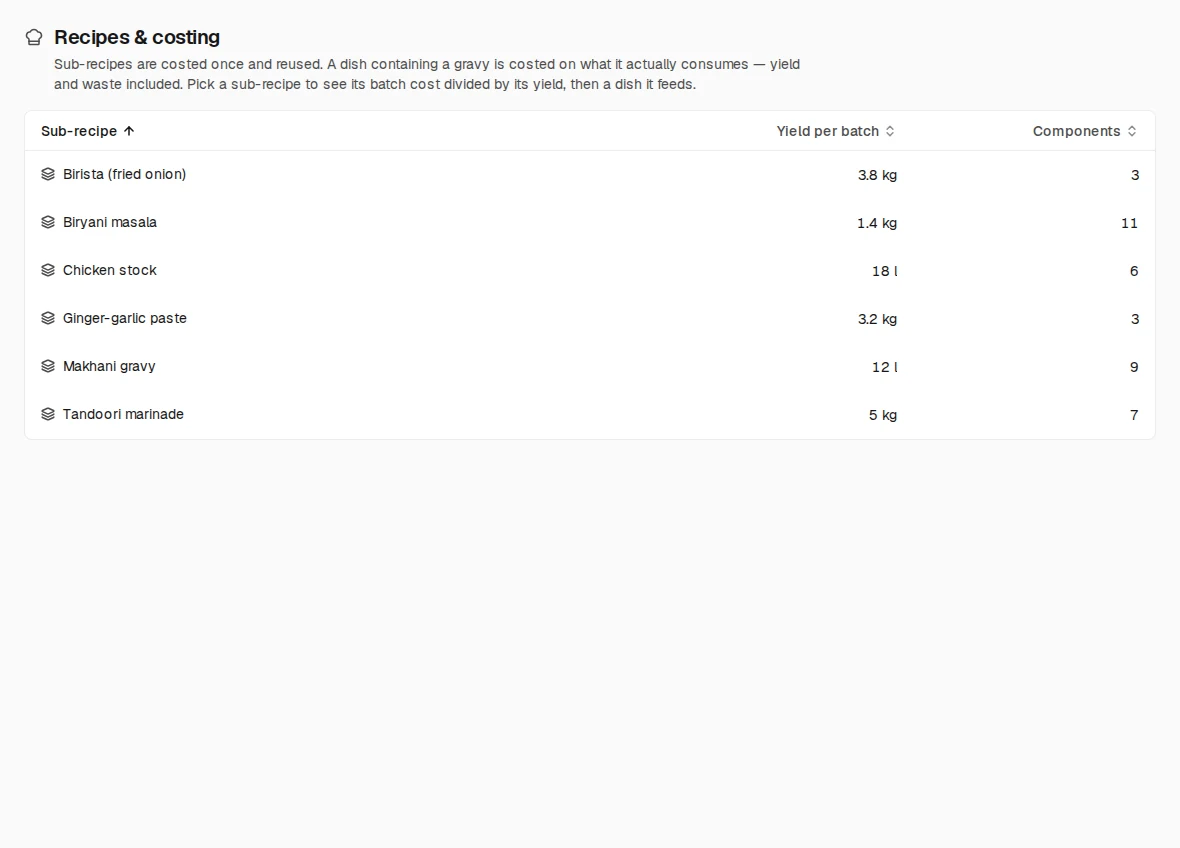
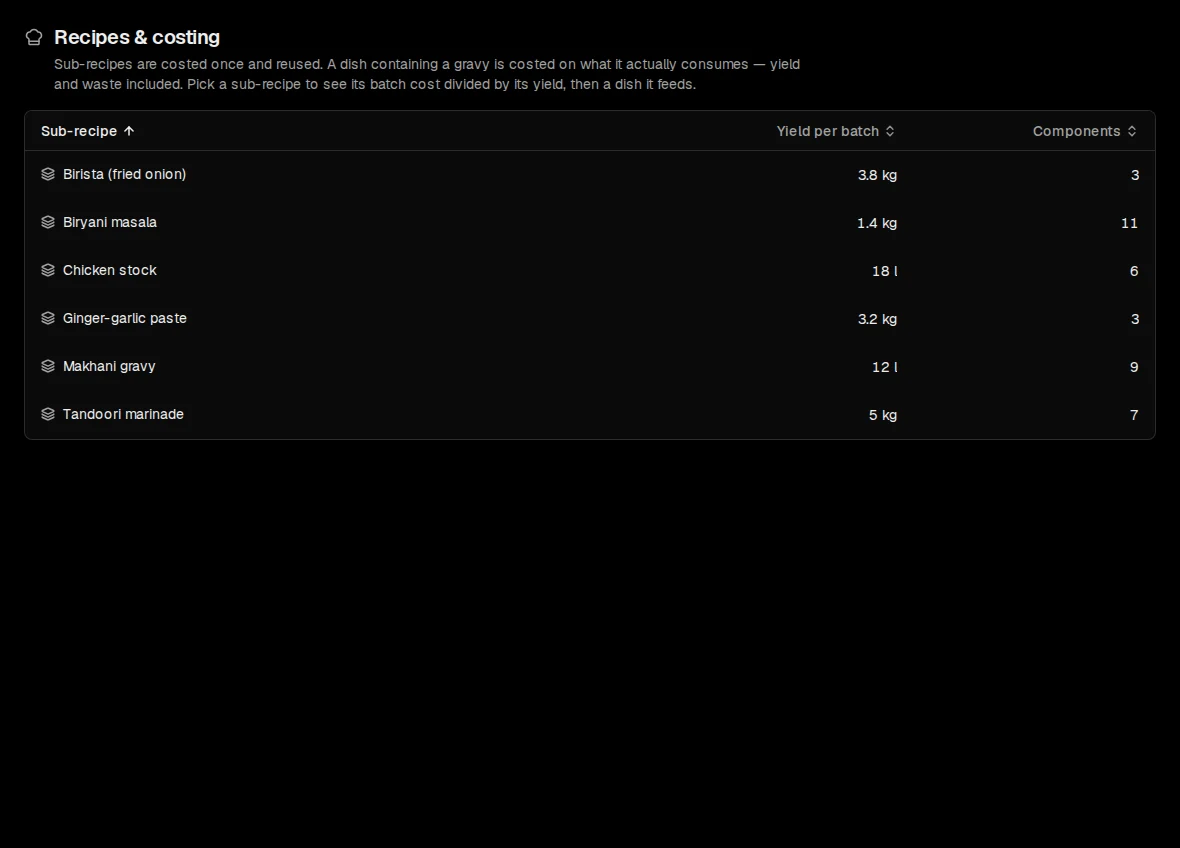
Go to room 07Stock and recipes on a sample outlet: stock levels, and recipes taking the stock off as dishes sell.
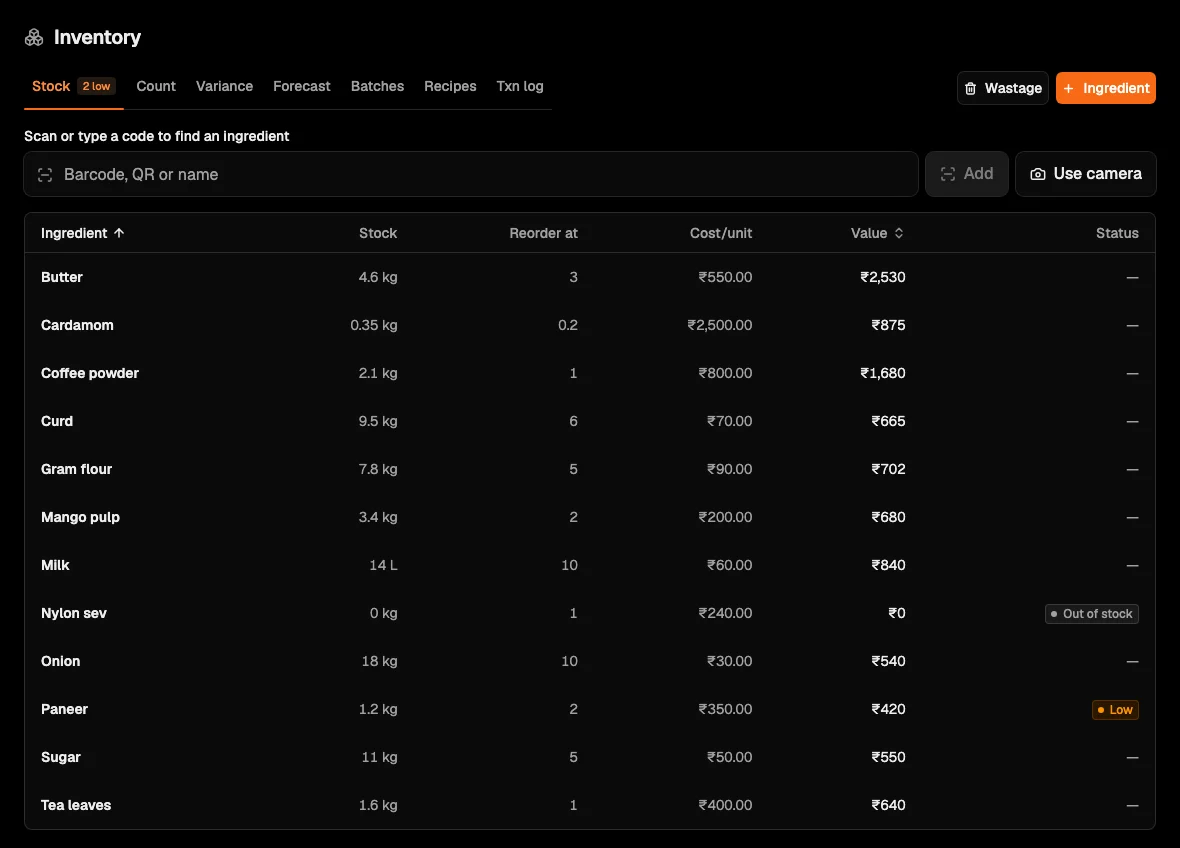
Recipes take the stock off as the dishes sell, so a shortfall shows before service.
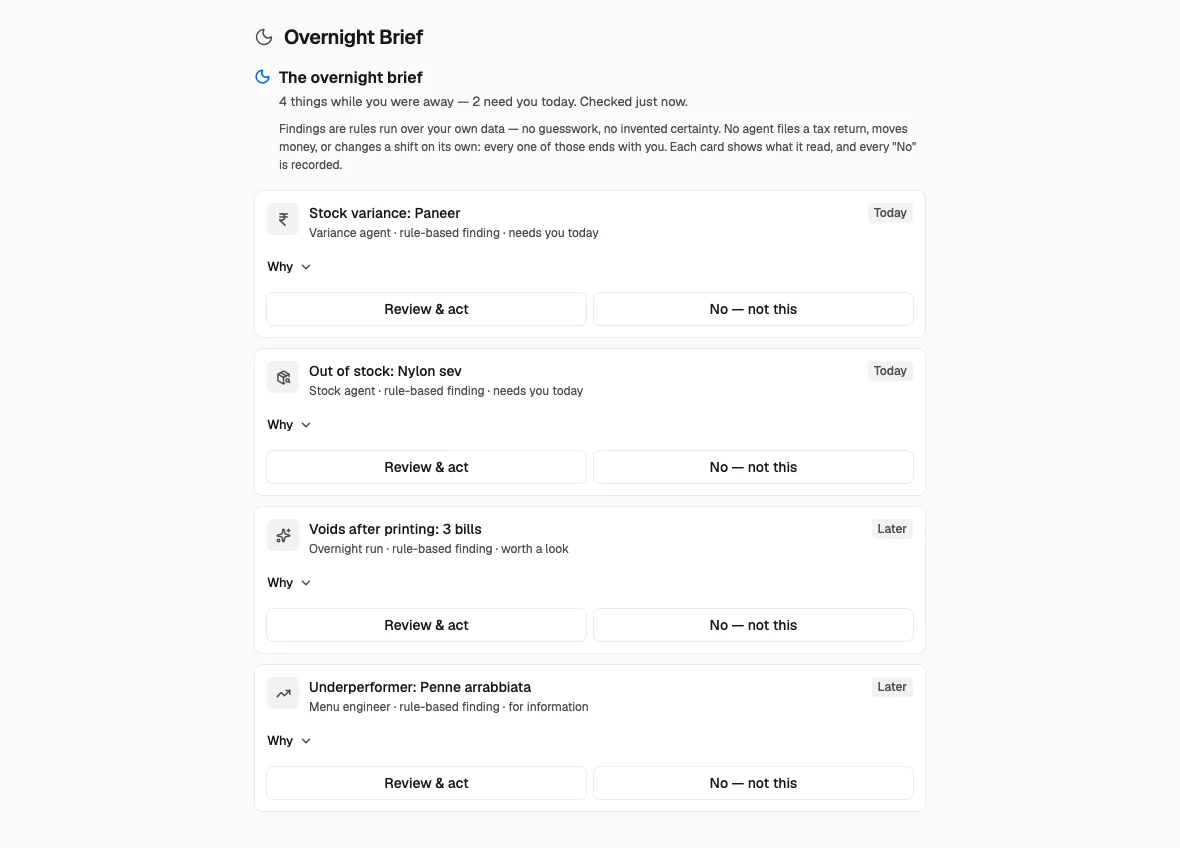
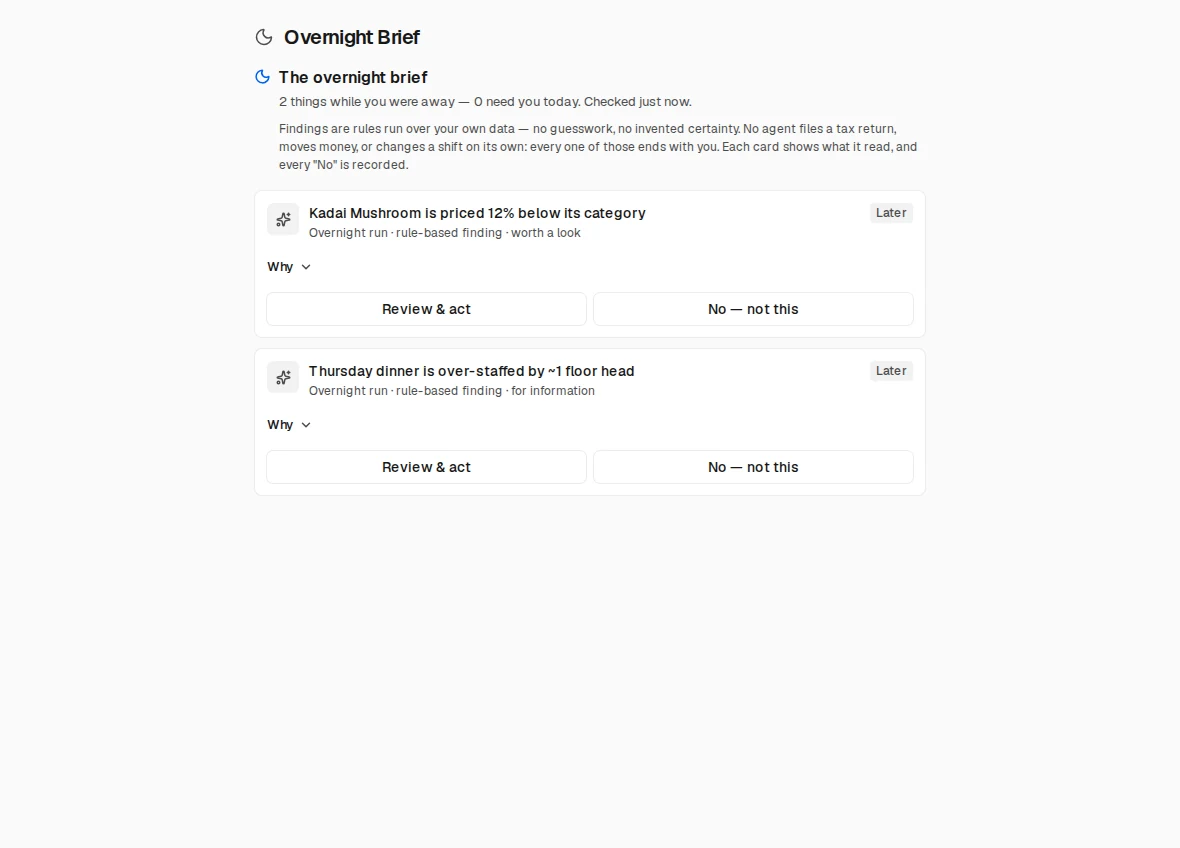
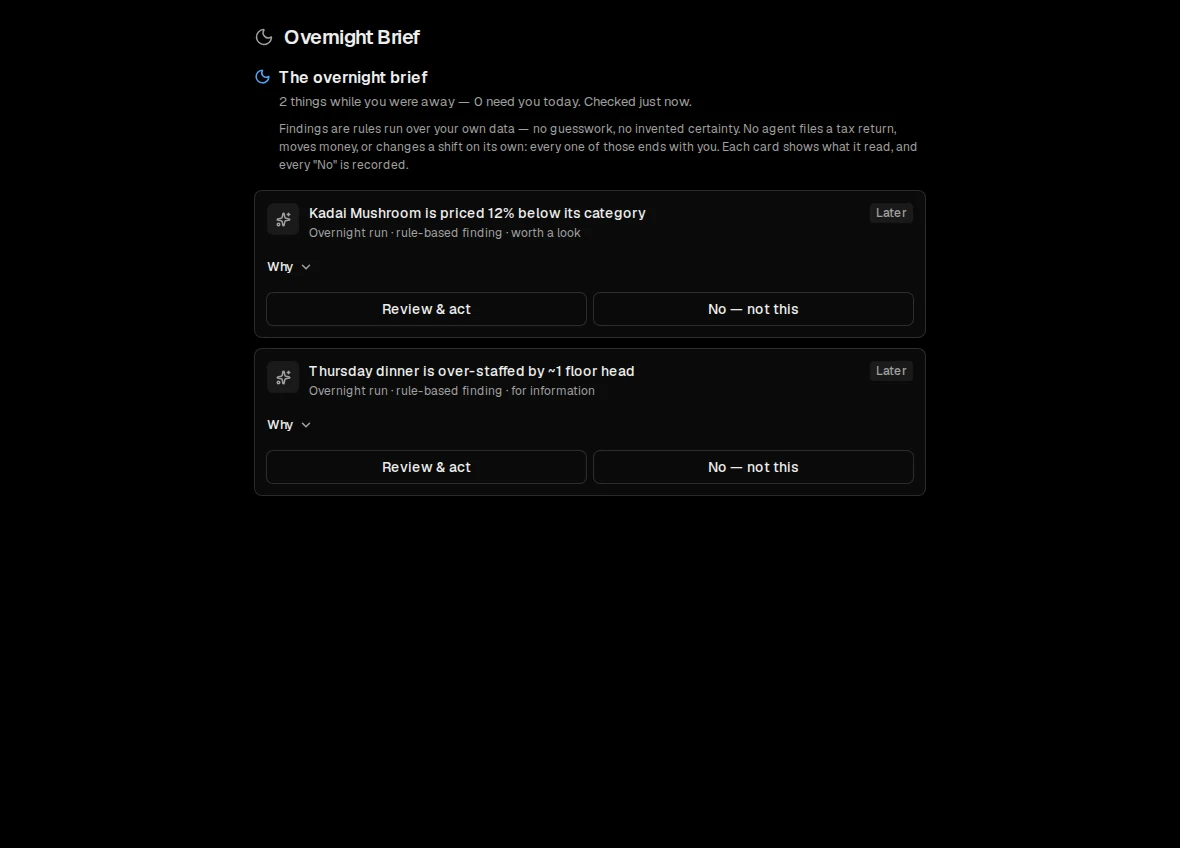
Go to room 05The overnight brief on a sample outlet: the agents’ findings, each with Why and Review & act.
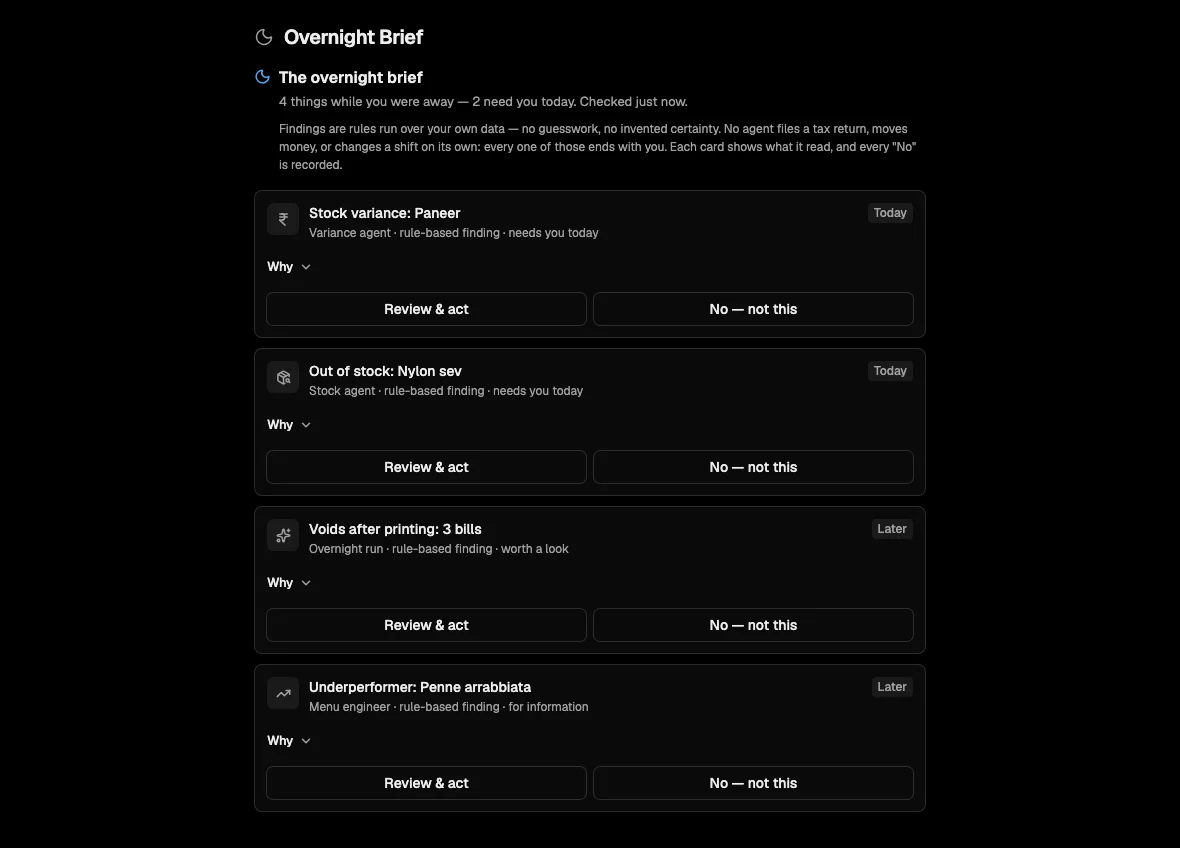
The agents read the numbers overnight and tell you what needs you.
Go to room 11Press a screen to bring it forward.
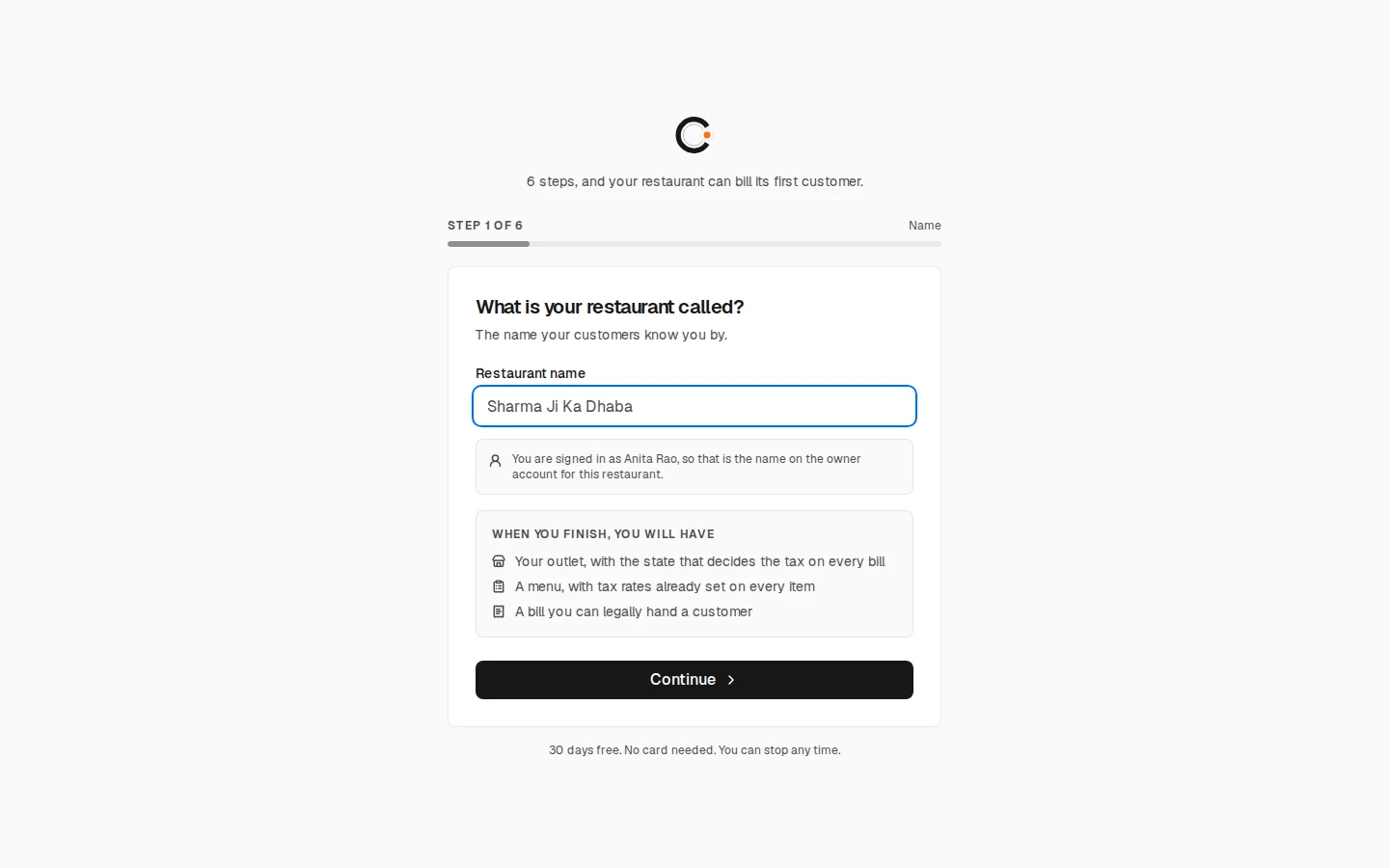
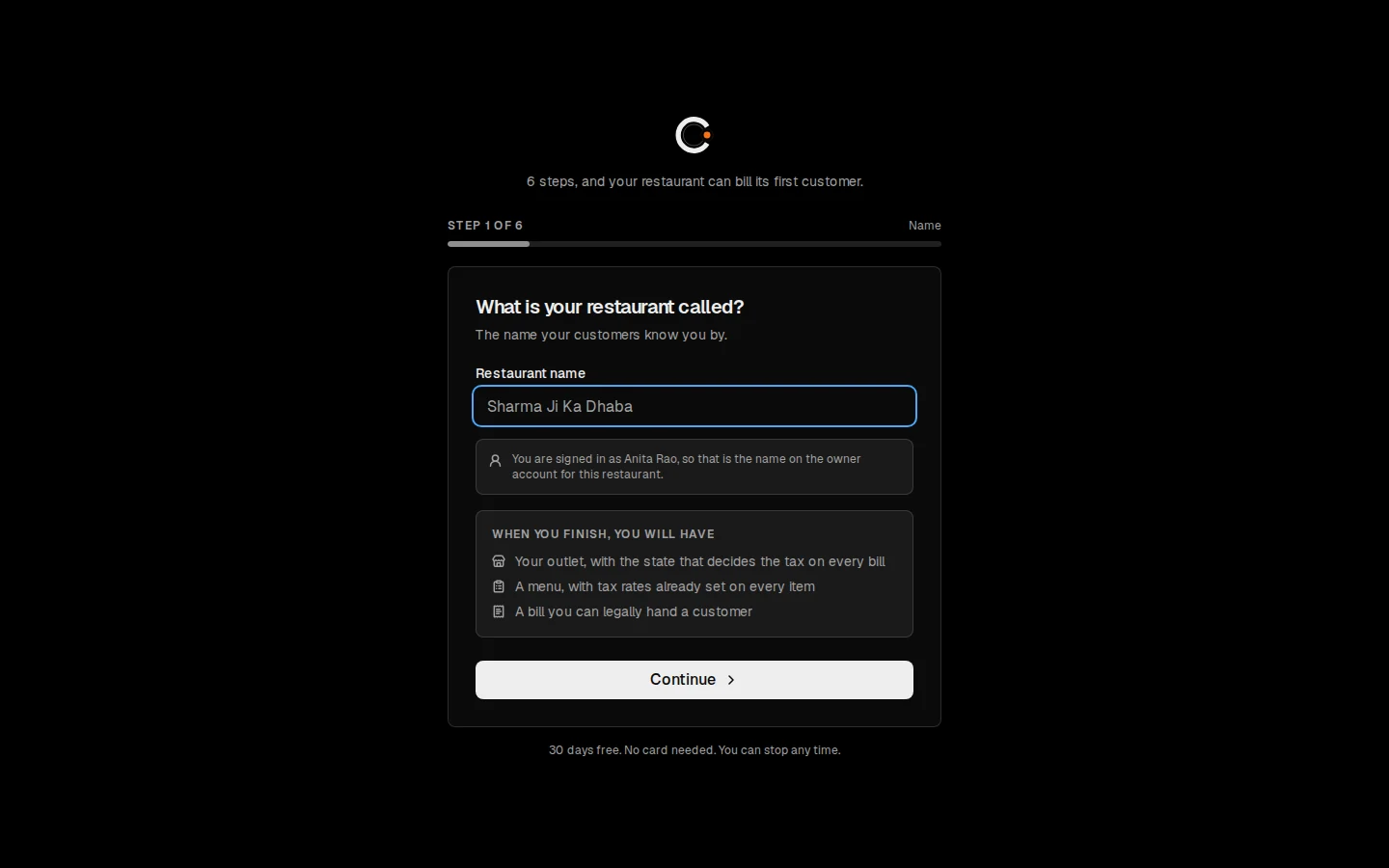
“6 steps, and your restaurant can bill its first customer.”
| No. | Step | It asks for |
|---|---|---|
| 1 | Name | The name on the bill |
| 2 | Food | Your closest cuisine, for a ready-made menu |
| 3 | Number | Your mobile. CountStand does not message it |
| 4 | Tax | State, GSTIN, FSSAI: the step that decides whether your bills are legal |
| 5 | Menu | Ready-made, typed, photographed, or a CSV file |
| 6 | Printer | Or skip it; the checklist keeps it open |
Day one, your home screen says “Nothing has been sold here yet”, and shows a checklist where the numbers will be.
Set up tables asks for a zone, a prefix, the first and last number and the seats each, then shows exactly what it will do before you press it.
“Adds 12 tables to Ground floor: T1, T2 … T12.”
Detail 04.1 Up to 60 tables at a time. Only the owner sets them up.
It never removes a table with a bill open on it: Settle its bill before removing it.
Portion and add-ons sit on one line, and the GST is worked out as each dish lands, CGST and SGST to the paisa. Press Charge and the bill becomes the payment, in the same place.
Engraved on the till’s keyboard
Give back ₹…
Type what the guest handed over, or tap the note.
Guest’s screen shows paid · record ₹…
A QR code with the amount already in it.
Card approved · record ₹…
Your own card machine.
Cash refused · Income-tax rule 269ST
Cash reaching ₹2,00,000 on one bill. The law, not a setting.
Takeaway. Send & charge ₹…
sends it to the kitchen and opens the charge in one press. Splits. Equally, or by dish. Discounts and voids. A cashier needs a manager’s PIN and a reason, recorded every time.
Recipes take the stock off as the dishes sell, so a shortfall shows before service. A stock alert tells you when an item runs low.
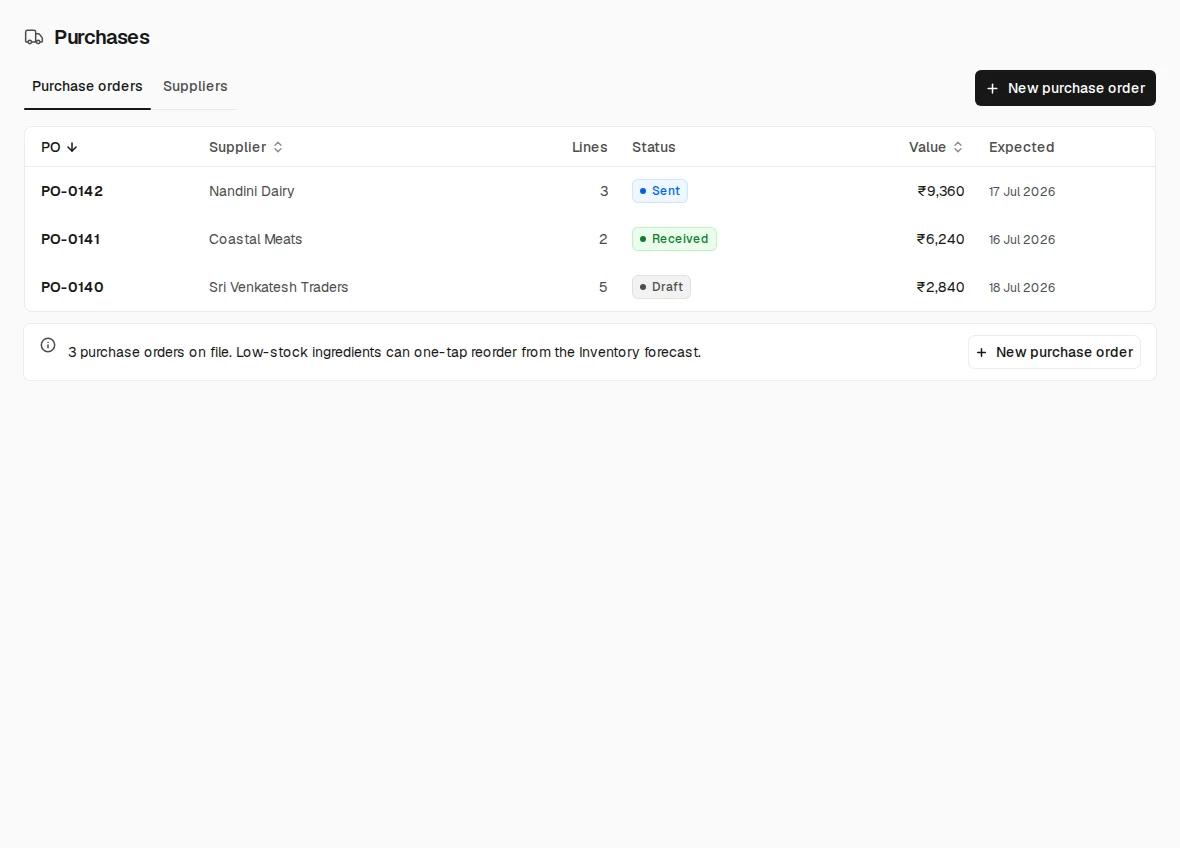
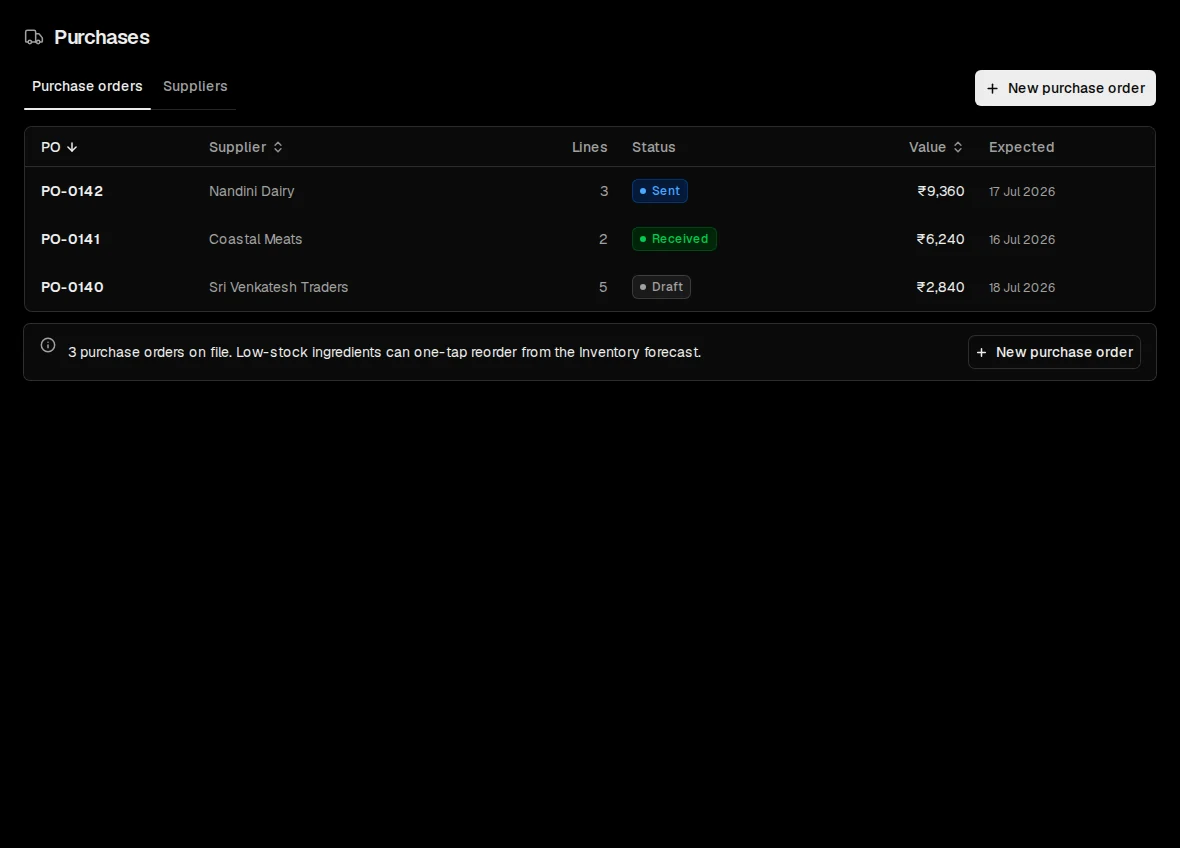
KitchenAll stations
Through the partition, the bar
One order, fired once, splits by station: the food to the kitchen, the coffee and chai to the bar. Allergy notes ride on the ticket.
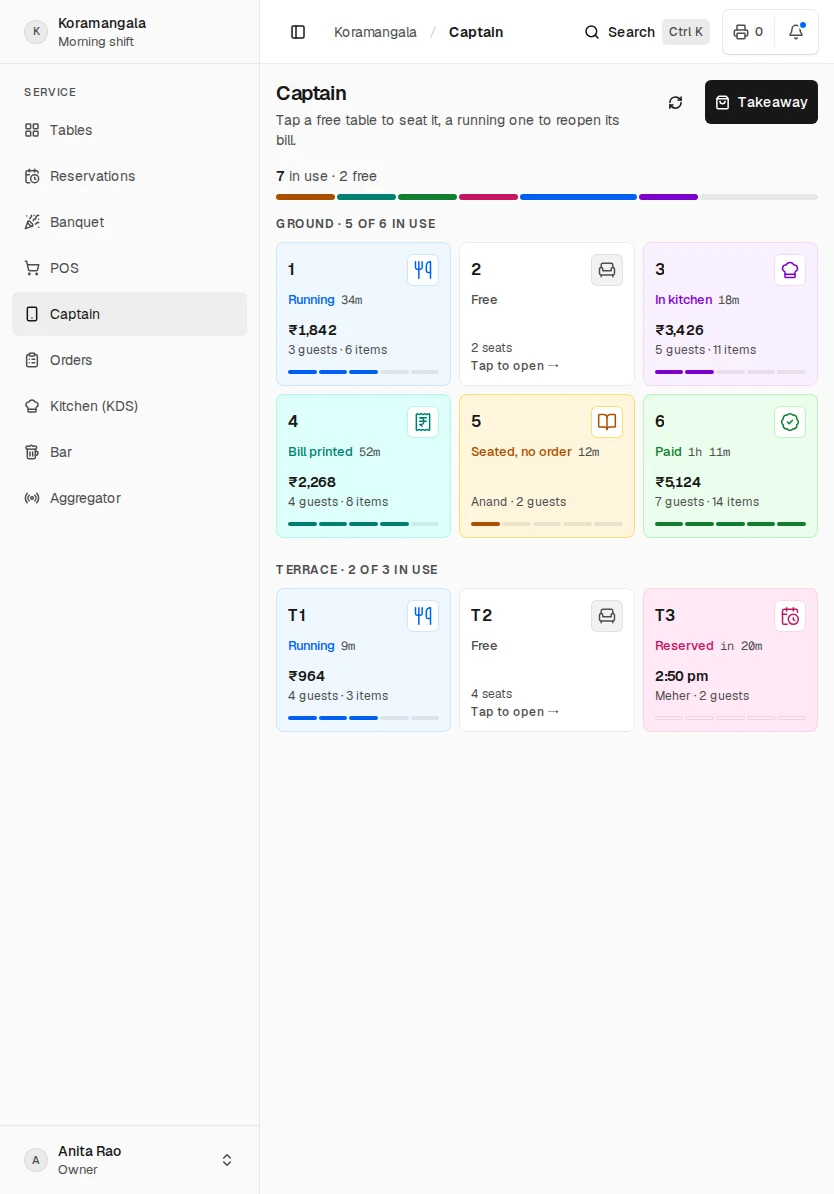
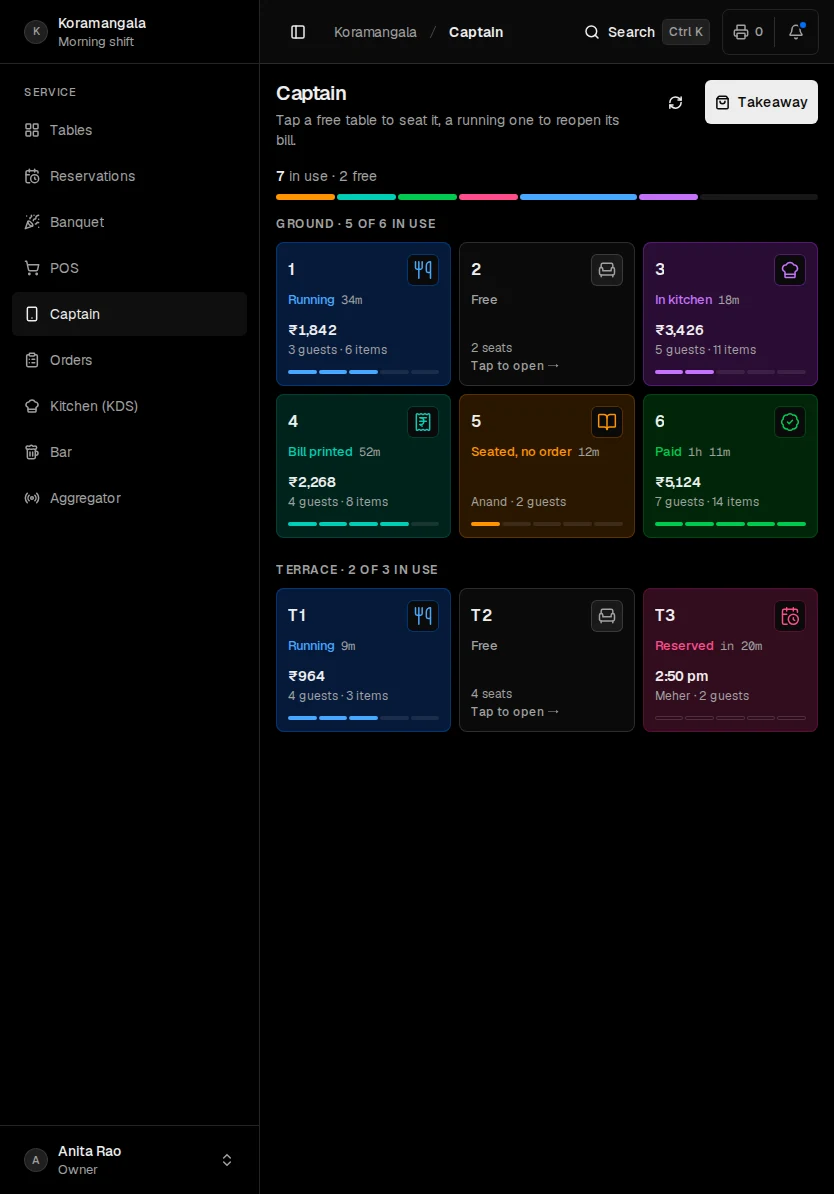
Captain is the floor on a phone or a tablet, made for walking the room. Tapping a table there does exactly what it does on the till.
Seven things are checked before a bill can print. If one is missing, the till refuses, names it, and says what to fix.
Akira Ghod Dod Road, Athwalines, Surat, Gujarat1 GSTIN 24AAJCA4501K1ZW FSSAI 2152500000012323 Akira - Surat------------------------------------------------TAX INVOICE INV/S0001/0001844Date 29 Sept 2026, 13:39 Cashier Priya PatelCovers 1 takeawayPlace of Supply: 24-Gujarat5Reverse charge: No ORIGINAL FOR RECIPIENT------------------------------------------------Item Qty Rate AmountPaneer butter masala with rotli (Full) 1 nos 290.00 290.00 + Extra gravyFilter coffee (Large) 2 nos 120.00 240.00Dabeli 2 nos 80.00 160.00Masala chai 2 nos 50.00 100.00Khaman dhokla 1 nos 100.00 100.00------------------------------------------------Subtotal Rs 890.00CGST 2.5% Rs 22.25SGST 2.5% Rs 22.25Round Off +0.50GRAND TOTAL Rs 935.006------------------------------------------------HSN/Tax summaryHSN 996331 Txbl 890.00 C 22.25 S 22.257------------------------------------------------Paid: UPI Rs 935.00 Thank you, visit again Authorised signatory: Akira ~~~~~~~~ CUT ~~~~~~~~
What it checks, and what it says when one is missing
The outlet’s address has no town or city.
The GSTIN is missing or does not check out.
The FSSAI licence number is missing. It has to be printed on every bill.
The bill numbering is not set up.
The GSTIN and the outlet’s state disagree.
A bill of 50,000 rupees or more carries no customer name.
A tax invoice needs an HSN or SAC code against every tax rate on it.
All seven in order, and the checklist row Make the first bill printable says: Bills will print as a TAX INVOICE.
No GSTIN? Bills print as receipts, which is legal. A wrong GSTIN is worse than none, because it looks checked.
Once a month Reports → Accounts → GST gives the portal-ready file, GSTR1_<MMYYYY>.json.
The till keeps billing, taking cash and settling. Each action is saved on the device first, then sent in order, exactly once, when the line returns. Kitchen tickets and bills print when it does.
On the printer shelf
Nothing is lost while the printer is down.
An owner or a manager counts the drawer, types what is in it and presses Record and close. The Z-report prints; Settlements keeps the history and the payment mix.
You never open the day. It rolls at 05:00 on its own, so a 1 a.m. bill belongs to the evening that earned it.
At seven, the brief · in every plan
The agents read the numbers overnight and tell you what needs you. Each finding shows what it read, and every “No” you give is recorded.
| 07:00 | Morning brief | by email, daily |
| 23:00 | Evening brief | by email, daily |
| Mon 09:00 | Menu health | every Monday |
| Any time | Stock alerts | when an item runs low |
Where the agents stop
No agent files a tax return, moves money, or changes a shift on its own: every one of those ends with you.
2years
After a guest’s last order, their personal details are erased automatically. The orders stay, anonymised.
8years
Bills, tax and the audit trail are kept for eight years, as the law requires. Customer records only with consent.
If anyone at CountStand needs to look at your data, they give a written reason first, and it is recorded. The audit log shows every governed change: who did it, and when.
We tell you before we change anything of yours — and if it could not wait, immediately afterwards, naming exactly what changed.
From the owner’s guide
Every plan keeps billing when the internet drops, does your GST and sends you the briefs. One outlet’s first 30 days are free.
One café, restaurant or bar.
₹2,999per outlet
a month
That’s ₹99 a day
Billed every month, plus GST
Apply for accessEverything one outlet runs on
Two or more outlets of one brand.
₹5,999per outlet
a month
From ₹11,998 for two outlets
Billed every month, plus GST
Apply for accessEverything in Single, plus
Two or more brands, or a central kitchen.
₹7,999per outlet
a month
From ₹15,998 for two outlets
Billed every month, plus GST
Apply for accessEverything in Multi, plus
By invitation · 30 days free for one outlet, no card · Prices exclude 18% GST · A reply within two working days
By invitation, for one outlet or many. 30 days free for one outlet, no card, and a reply within two working days.
CountStand is restaurant POS and billing software for India: the till, the kitchen display, stock and GST in one system, with agents that read the outlet’s own data on a timetable and report to the owner.
It keeps billing when the internet drops, and the tickets and bills print when the line returns. Made for Indian restaurants, it is open by invitation, with 30 days free for one outlet.